Watch anything. In your language.
Real-time AI dubbing and translated subtitles for YouTube, Netflix, Udemy, Coursera and five more platforms — directly in your browser.

Works where you watch
Available


Platforms that may be added
No promises and no dates. Tell us which one you need: hello@dubly.me
 Google DriveMaybe later
 SkillshareMaybe later
 WistiaMaybe later
 deeplearning.aiMaybe later
 NebulaMaybe later
 gamedev.tvMaybe later
 Khan AcademyMaybe later
 Epic Games DevMaybe later
 TeachableMaybe later
 Autodesk LearnMaybe later
 spring.academyMaybe later
 Substack videoMaybe later
 anthropic.skilljarMaybe later
 three.js journeyMaybe later
 IXLMaybe later
 OdyseeMaybe later
 MavenMaybe later
 BilibiliMaybe later
115 languages — and growing
More languages are added regularly. Don't see yours? Let us know.
How it works
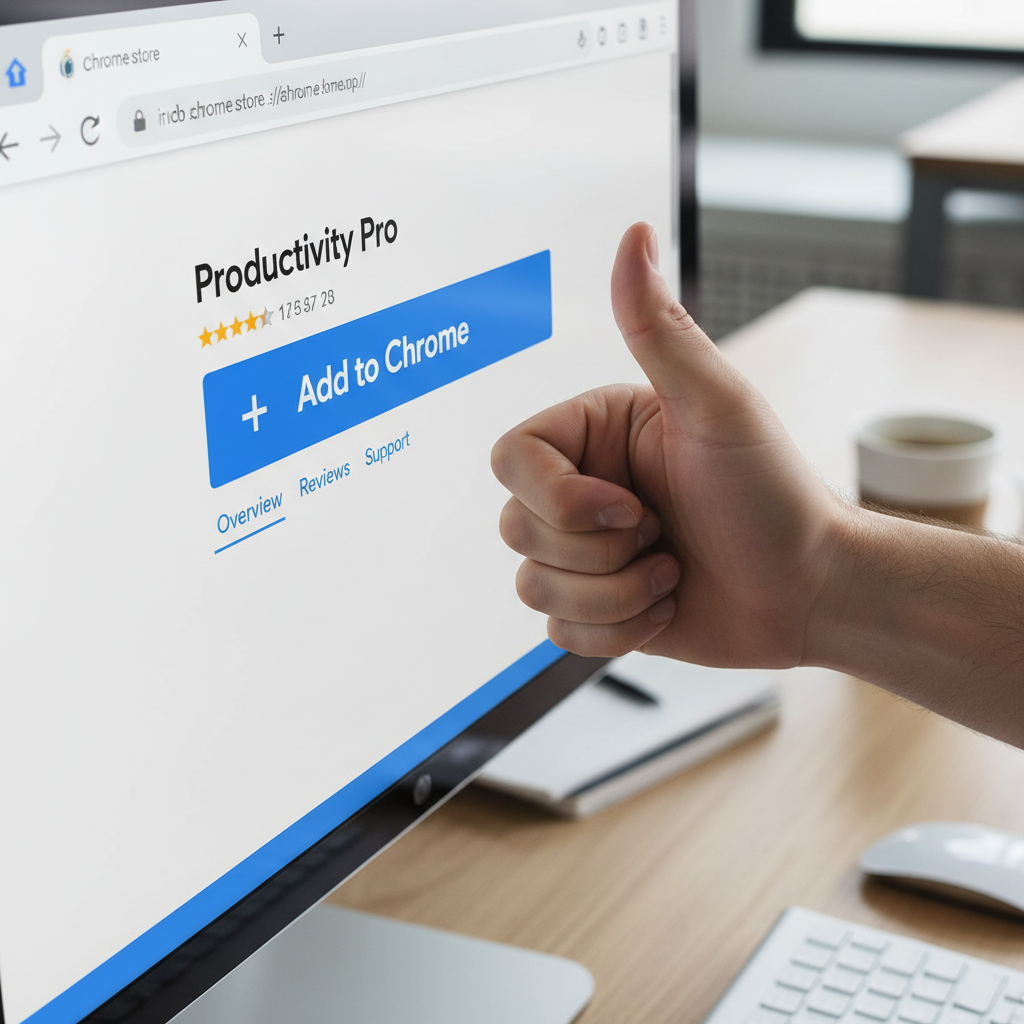
Install the browser extension
Add dubly.me from the Chrome Web Store or Firefox Add-ons. Free, one click, no account needed.
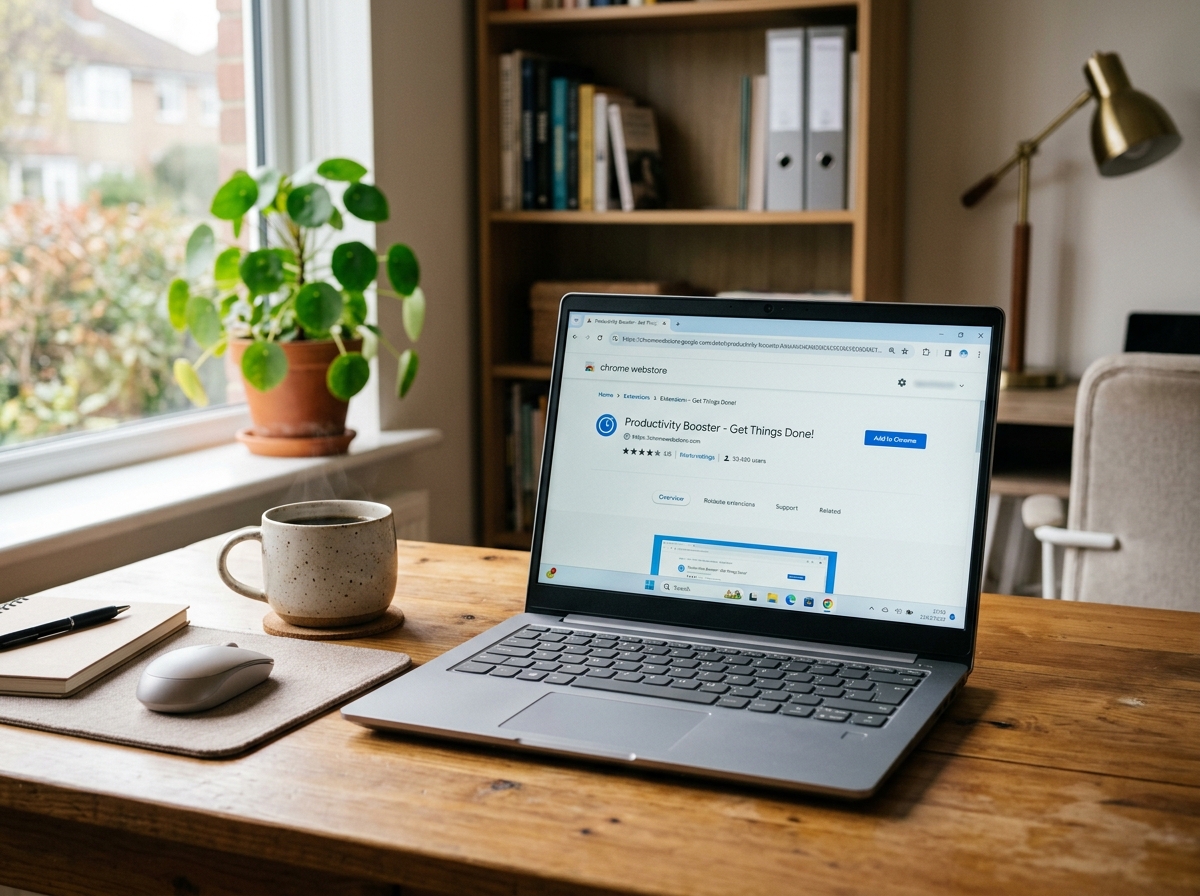
Open any video
Go to YouTube, Udemy, Vimeo, or any supported site.
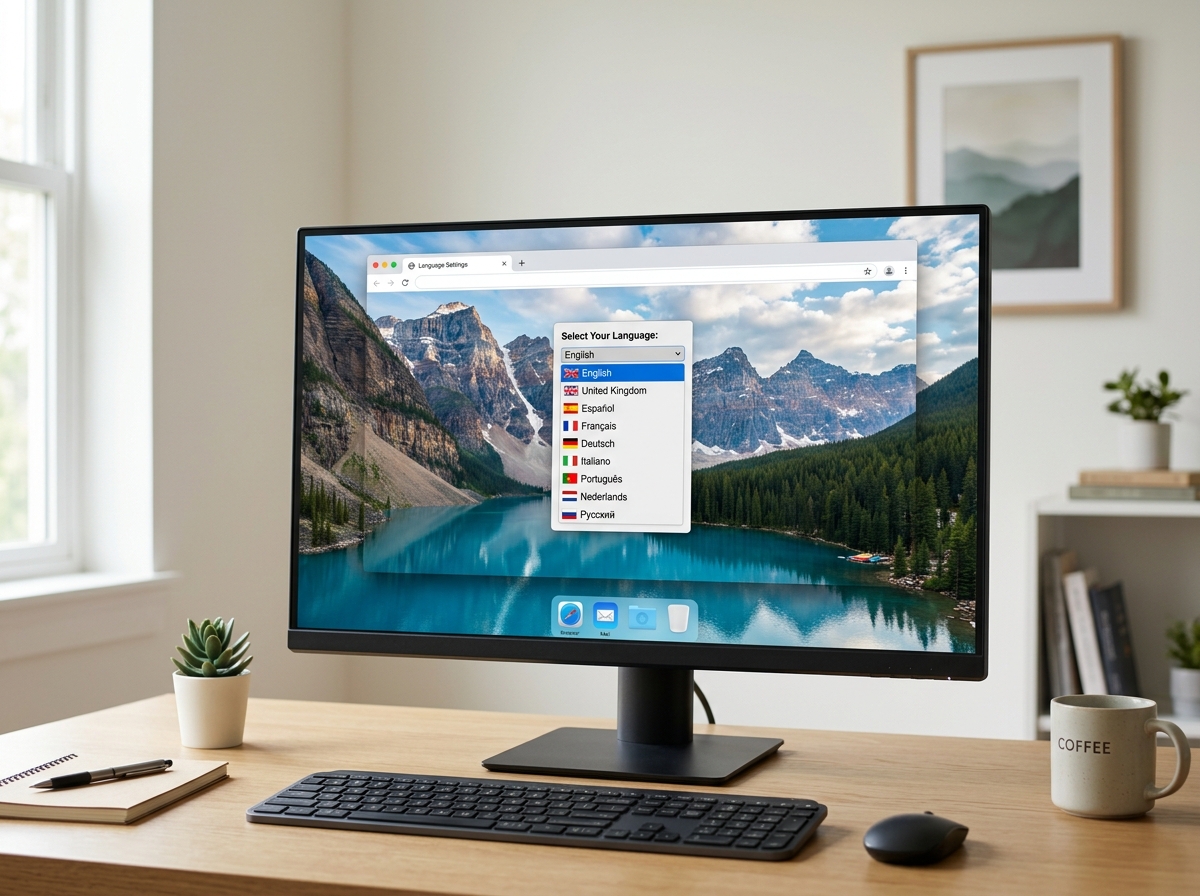
Choose your language
Pick dubbed voice, subtitles or both. The first seconds are ready instantly, the rest is translated in the background.
What dubly.me actually does
Playback experience
Real-time AI dubbing that keeps up with you
- The first seconds are ready instantly — the video starts right away, the rest loads in the background
- Three modes: dubbed voice, translated subtitles over the original sound, or both at once
- Syncs with 1.25× and 1.5× playback speed
- Same video again: the translation is ready instantly, so dubbing starts faster
- Mix original and dubbed audio — adjust blend yourself
- Drag the subtitles anywhere on the video; Alt+Shift+D switches between the original sound and the dubbed voice
- Optional: the original sound gets louder in longer pauses, so music and sound effects come through
Android supported in Firefox for Android and in Quetta Browser
Languages & platforms
115 languages
- Free plan: YouTube’s own auto-translate. Basic: AI translation that fits the speech timing
- 9 platforms: YouTube on the free plan; Netflix, Udemy, Coursera, Vimeo, edX, TED.com, Loom and Rumble with Basic
- Choose a female or male voice, and hear it before you start
- A native voice in 76 languages; the other 39 are read by a voice of a related language, and the extension tells you when you may hear an accent
- Basic: pick the exact voice from 322 and switch it while the video plays
Privacy
Made in EU, GDPR-compliant
- Subtitle text goes only to our translation and speech providers (listed in the Privacy Policy)
- Subtitle text, translations and dubbed audio are not linked to your account
- Data not sold to third parties
- Analytics and advertising cookies only if you accept them
Pricing
Free to start — no credit card required
Cancel anytime. No contracts.
Frequently asked questions
Which browsers are supported?+
dubly.me works on Google Chrome and other Chromium-based browsers such as Edge and Brave, and on Firefox. Safari is not supported. On Android it runs in Firefox for Android and in Quetta Browser.
Which video sites does dubly.me work on?+
YouTube, Netflix, Udemy, Coursera, Vimeo, Loom, edX, TED and Rumble each have dedicated support. The free plan covers YouTube; the other eight work with the Basic plan. On other sites, dubly.me works with the Basic plan when the page plays a plain video file: speech recognition turns what is said into text. Players that stream the video in small pieces, as most large video sites do, are not supported.
How good is the translation quality?+
On the free plan, dubly.me uses YouTube’s own auto-translate. On Basic you can switch to AI translation, which also fits each sentence to the speech timing. Quality is high for clear speech — best results with standard narration and dialogue.
Is my data private?+
dubly.me is made in the EU. When AI translation is used, subtitle text goes to our translation providers; on the free plan on YouTube, YouTube translates it in your browser. The text to be spoken goes to our speech provider. Subtitle text, translations and dubbed audio are not stored against your account. To enforce plan limits we record the platform and video identifier of each dub. Details are in the Privacy Policy.
Can I cancel anytime?+
Yes, cancel your Basic subscription anytime from account settings. You keep access until the end of the billing period.
Does dubly.me work on a phone or tablet?+
On Android, yes — in Firefox for Android or in Quetta Browser. The Android guide walks through the setup. iOS is not supported, because no iOS browser runs these extensions.
Does dubly.me work on Coursera or Udemy?+
Yes, with the Basic plan. Both have dedicated support, as do Netflix, Vimeo, Loom, edX, TED and Rumble. The free plan covers YouTube.
Does dubly.me work on Netflix?+
Yes, with the Basic plan. Open any Netflix video, click the dubly.me button, and dubbed audio starts within seconds.
Which platforms will dubly.me support in the future?+
Nine platforms have dedicated support today: YouTube on the free plan, all nine with Basic. Twitch, Google Drive and Skillshare may be added later, but there is no promise and no date; user feedback decides what comes first. On other sites, dubly.me can already work with the Basic plan when the page plays a plain video file.